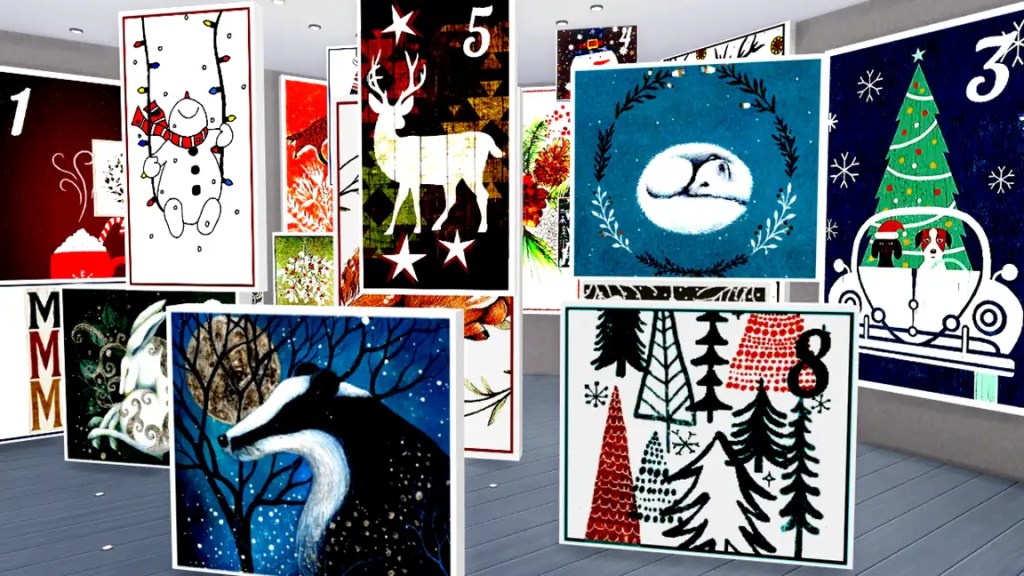
My SFS Paintings | The Sims 4
This post is to share all my ‘Sim Files Share’ painting files and folders I’ve gathered. The links below will take you to nearly all my SFS paintings for your tray files. These are some of my favorite and most popular paintings. Altogether, they are reference paintings.
It is tricky to figure out what is inside each one just from the name alone. Sometimes, I share my official profile link. Users can visualise each creation in The Sims 4’s gallery upon its arrival. This enables the viewing of the images for each respective item.
The Sims 4 Gallery Download: ‘Winter Whisper’ Set >
‘Winter Whisper’ Set download: Sim File Share file >
Download your favourite
Get set for your game
Once inside your game application, your new installation will be in your games library. You can now effortlessly access it during gameplay sessions.
We are here talking about paintings, which will be on the walls or in rooms. None of my creations will show up as custom content.
Sim file share | link to downloads
Very easy to get them; obtaining what you need is straightforward. First, download your file. Open the ZIP file. Paste it: Documents > Electronic Arts > The Sims 4 > Tray.
The Sims 4 | link to official gallery downloads
I want to give you a link to The Sims 4 gallery. Find a broader choice there than in SFS files, and it lets you view pictures of each item.
Once you are on the screen, The Sims 4 Gallery, you will notice a button prominently displayed on the page. This button, labeled ‘Add to my Downloads,’ lets you easily save your chosen creation.
By selecting this button, you can efficiently incorporate your preferred houses. You can also add Sims and extra items to your personal library.

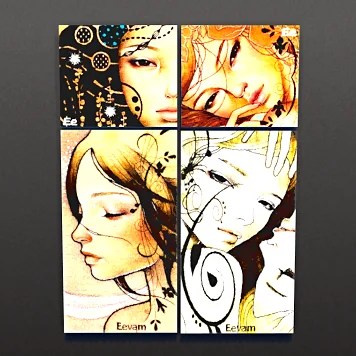
‘Hey! Honey Bunch’ gallery Sims 4 download >
Sim File Share paintings file download ‘Hey! Honey’ >
Link to my Profiles Sims 4 Gallery
Over time, I have created many paintings, most of which never go out of style. It is a good idea to approach my two accounts in this way.
You visit the Sims 4 gallery, where @eevam and @eevamm offer an excellent foundation. These profiles allow users to explore a variety of creative works and distinctive content.
In this profile, @eevamm’s paintings are organised according to colours, themes, or seasonal distinctions, making these collections notably more comprehensive.
‘Black and white Line Art’ set.
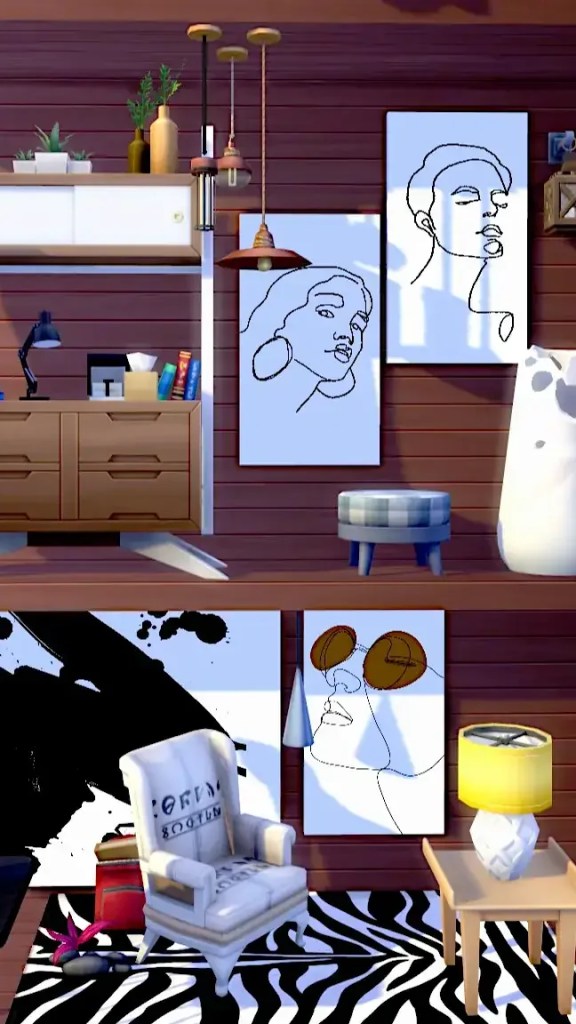
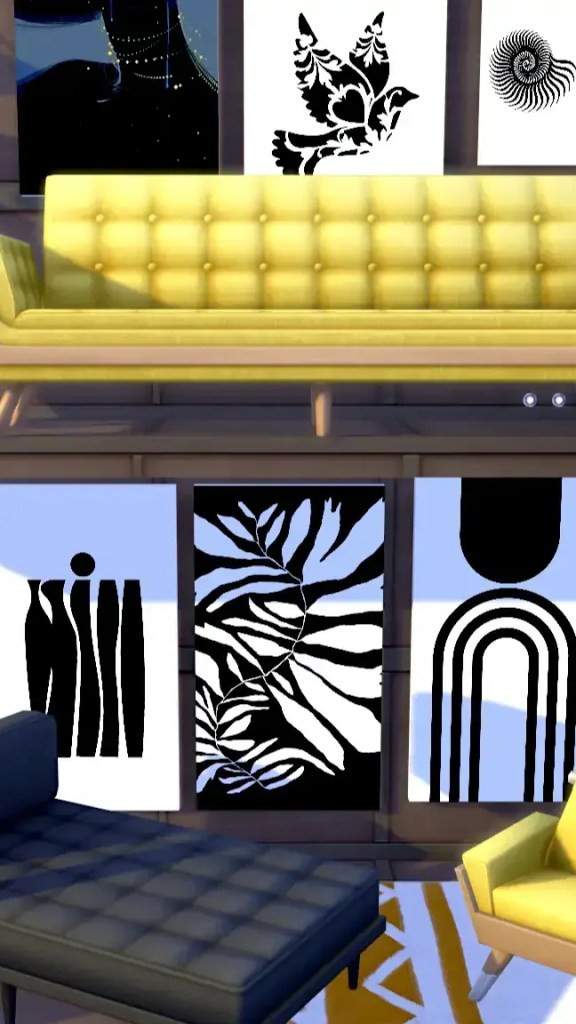
Access the Link to all my SFS
This hosting webpage, _Sim File Share_ features a collection of my Sims 4 paintings. Enjoy browsing the sets of canvases and choosing the ones that best suit your style.
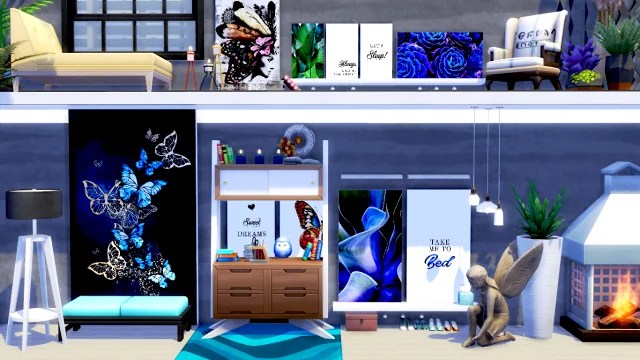
Excited for What’s Ahead
If time permits, I will share more paintings with great zeal. I have some beautiful painting sets in my own game that I’m eager to share. These will resonate well with the community and offer a cheerful addition to the visual elements. Stay tuned for more!
Feel free to hit me up with any questions at the EA Gallery. Indeed, it’s a pleasure to help you find your favorite Sims 4 paintings.
Above all, enjoy!
Explore: Gallery Art >
Read on: Navy Blue paintings post >
Check on: Abstract pics >
So Far, What is Available
Extra paintings Sims 4
Check out some of my older painting sets!
Links in both referrals!
‘Ladies room‘ Link SFS>
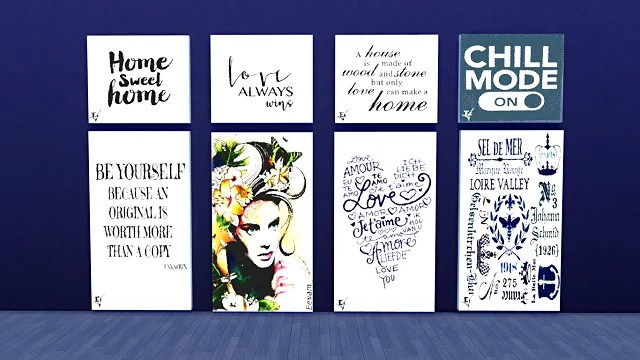
This wall is part of a series focused on bathrooms and ladies’ rooms.
‘Love story‘ Link SFS>

and iconic branding.
I put up a wall because my friend’s simmer asked me to.
‘Lets cook‘ SFS Link>

Here is a chill bunch of kitchen pics, and it is part of a fun series, too!
‘Black with colour‘ SFS Link>
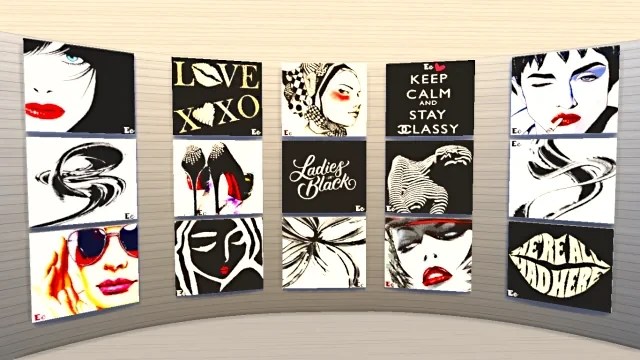
A sleek and classy mix of black and white with a splash of color!
Homes Sims 4
If you want to see houses for your household, check the next link. I have some at Sim File Share. These homes come in various styles and sizes, catering to different tastes and needs. You will find options ranging from cozy cottages to modern family homes. All are designed to offer comfort and functionality.
Looking for your first home or need more space for your growing family? Good news—there’s something for everyone! Check out the listings and find the perfect place for you!

